| 📑agenda | | Map | See the page for this row for more info. | 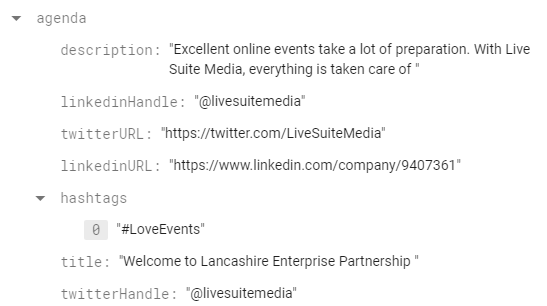 |
| name | | String | The name of the conference - displayed in several areas of the app. |  |
| logoURL | | String | URL to the logo to be displayed in the conference app for a given event. |  |
| iframeURL1 | | String | The system supports up to 2 simultaneous video streams. This is the iframe URL for the first of those two streams to be displayed on the 'Stream 1' page.
Any iframe should theoretically be supported if you wanted to display something else in place of a video. |  |
| endDate | | Timestamp | The date and time the event ends. Should be assigned using the Timestamp picker in firebase. | 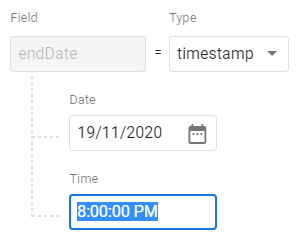 |
| startDate | | Timestamp | The date and time the event begins. Should be assigned using the Timestamp picker in firebase. | 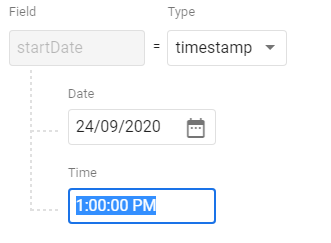 |
| newRegistrationFlow | | Boolean | Deprecated! In the lastest version, this property is ignored and the new registration system is used by default.
Setting to true will use the new registration system where the user must fill out a form to register for an event. The registration sub-collection should be configured first.
If the value is false or not specified the user can simply obtain a ticket with a click of a button, if the ticketTypes sub-collection has been configured.
Will default to true at some point in the future once the old system is removed. |  |
| id | | String | This should be the same as the id of the event document. |  |
| bannerURL | | String | Banner to be displayed on the event landing page and on at the top of the agenda page within the app. |  |
| host | | String | Name of the people who are hosting the conference (this can be anything you like). |  |
| allowBackstage | | Boolean | Whether or not to allow users to access any of the backstage rooms.
Set to true to allow access to all backstage rooms.
If not specified will default to false. An error dialog will be displayed if they attempt to join a backstage room. | |
| dateString | | String | Override the event start and end times with a custom string to be displayed on the event landing page. |  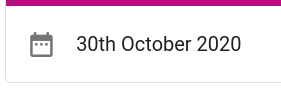 |
| 🆕 disableProfile | | Boolean | Determines if the profile customisation page is shown after the "Enter the event" button is pressed on the event landing page.
This also disables the menu option in the profile menu in the event app so the user isn't able to manually navigate to the page to update their profile.
By default this attribute is false. You must explicitly disable for an event for the above options to disappear. | 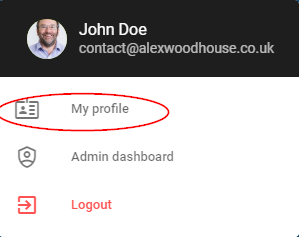 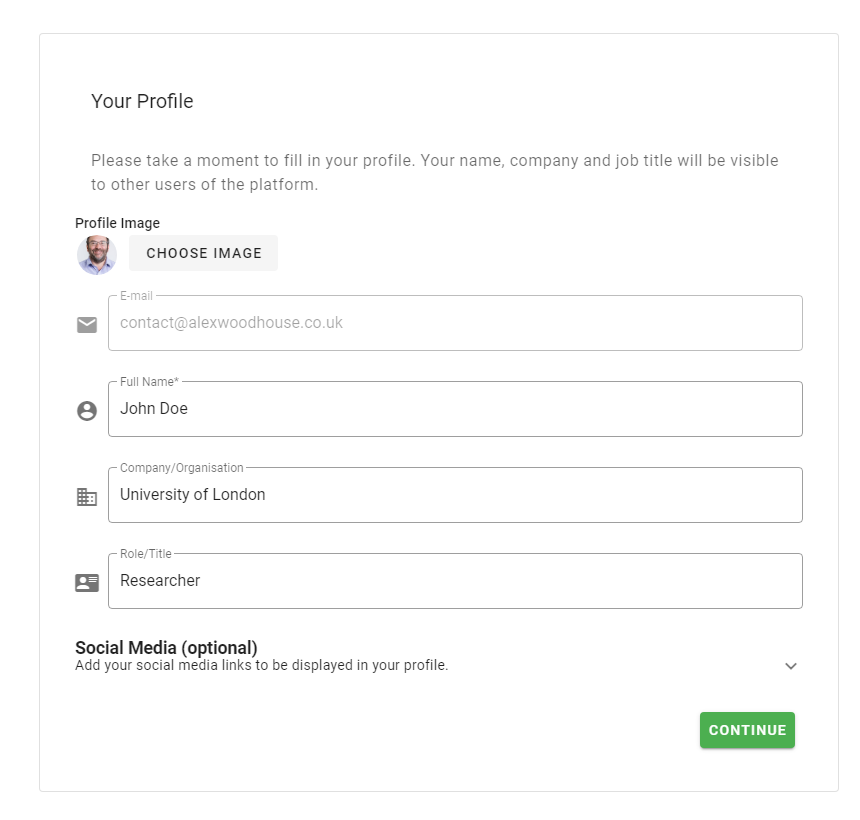 |
| iframeURL2 | | String | The system supports up to 2 simultaneous video streams. This is the iframe URL for the second of those two streams to be displayed on the 'Stream 2' page.
Any iframe should theoretically be supported if you wanted to display something else in place of a video. |  |
| sendgridTemplate | | String | The ID of the Sendgrid email template to be used for the confirmation email when a user completes the registration form for the conference. This can be found in the Email API > Dynamic templates section of Sendgrid
You must copy the template ID exactly or it the user will not recieve thier confirmation email!
Example: d-e292ab26a0a148e2823ee99e4bead30c
Will use the generic Forumm registration email if this is not specified. | 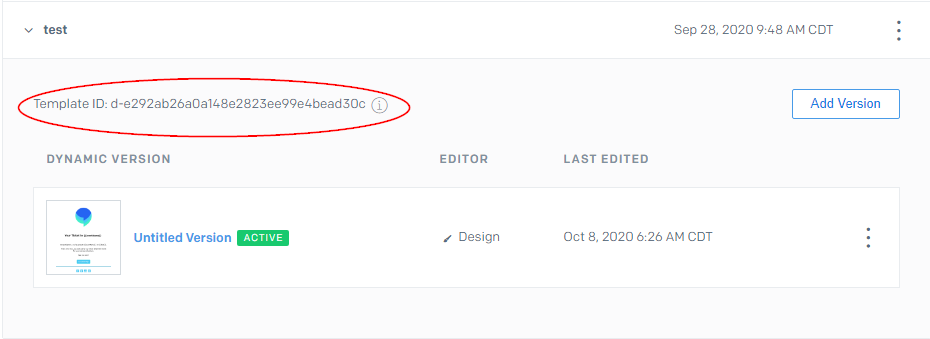 |
| hideForummLogo | | Boolean | Whether or not to hide the Forumm logo in to top left in the event app. | |
| allowEntry | | Boolean | Whether or not to allow users to enter the event.
Set to true to display a button on the event landing page allowing users to enter the event provided they have a ticket
If not specified will default to false. | |
| hideCountdown | | Boolean | Whether or not to hide the countdown on the event landing page. | |
