registration
The registration sub-collection of an event document contains just a single document with it's key matching the event id. The document defines the fields collected and their layout in the registration form on the event landing page.
Example document and result

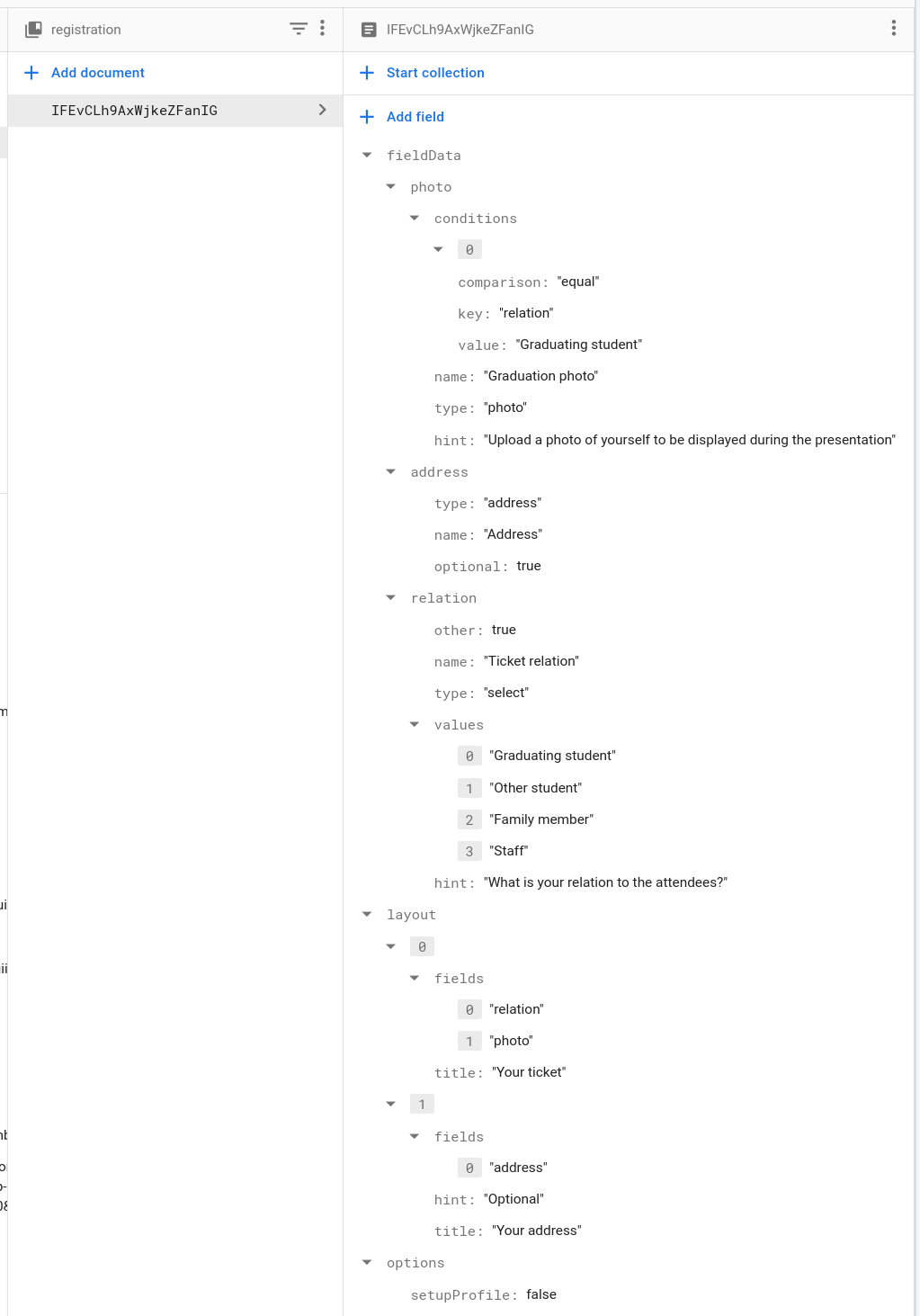
registration document for the event.Registration document properties
| Name | Required | Data type | Description |
|---|---|---|---|
| layout | Array | Set the order of the form sections and fields within them. | |
| fieldData | Map | Configure each field's name, type, hints and validation rules. | |
| options | Map | Configure whether certain platform-wide sections are shown, for example the "Your profile" section which asks users their job title and organisation. |
📐 Layout
The layout array contains an element for each section of the form, each with a title and list of fields.
Section element properties
| Name | Required | Data type | Description | Example |
|---|---|---|---|---|
| title | String | The section title displayed in the form stepper. | 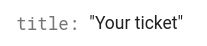 | |
| fields | Array | A list of the field keys to be shown in this section. | 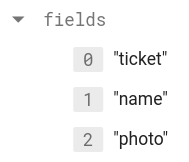 | |
| hint | String | A subtitle shown beneath the section title. Optional. | 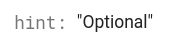 |
🗃️ Field data
Each property in the fieldData map represents a form field which can be displayed in the registration form. The name of the property in the map is how the field is referenced in the fields array in each section element of layout.
Field object properties
| Name | Required | Data type | Description | Example |
|---|---|---|---|---|
| name | String | The label which appears above the field. | ||
| type | String | The type of data the field collects.
text - A text field
select - A dropdown selection field
checkbox - A checkbox field
photo - A file upload field which accepts JPEGs and PNGs
address - Special type which creates multiple fields to collect address data
email - Special type which creates a text field with email validation rules | ||
| hint | String | A hint which appears below the field. | ||
| conditions | Array |
Some field types have additional properties.